How to Install & Use Mods in Terraria
Everything you need to get mods running in under 5 minutes. No technical knowledge required — if you own Terraria on Steam, you're already set.
What is tModLoader?
tModLoader is the official, free mod platform for Terraria. It's a separate app on Steam that launches Terraria with full mod support: browse, install, and play with thousands of community-made mods. Re-Logic (the Terraria developers) officially supports it, and it integrates directly with the Steam Workshop.
Why Steam Workshop?
Mods are downloaded through the Steam Workshop — no sketchy file downloads, no manual installs required. One click to subscribe, and tModLoader handles the rest.
How to Install (Steam)
- Open Steam and search "tModLoader" in the store. It's completely free.
- Click Install. It appears as its own game in your library, separate from Terraria.
- Launch tModLoader from your Steam library. On first run, it sets up everything automatically.
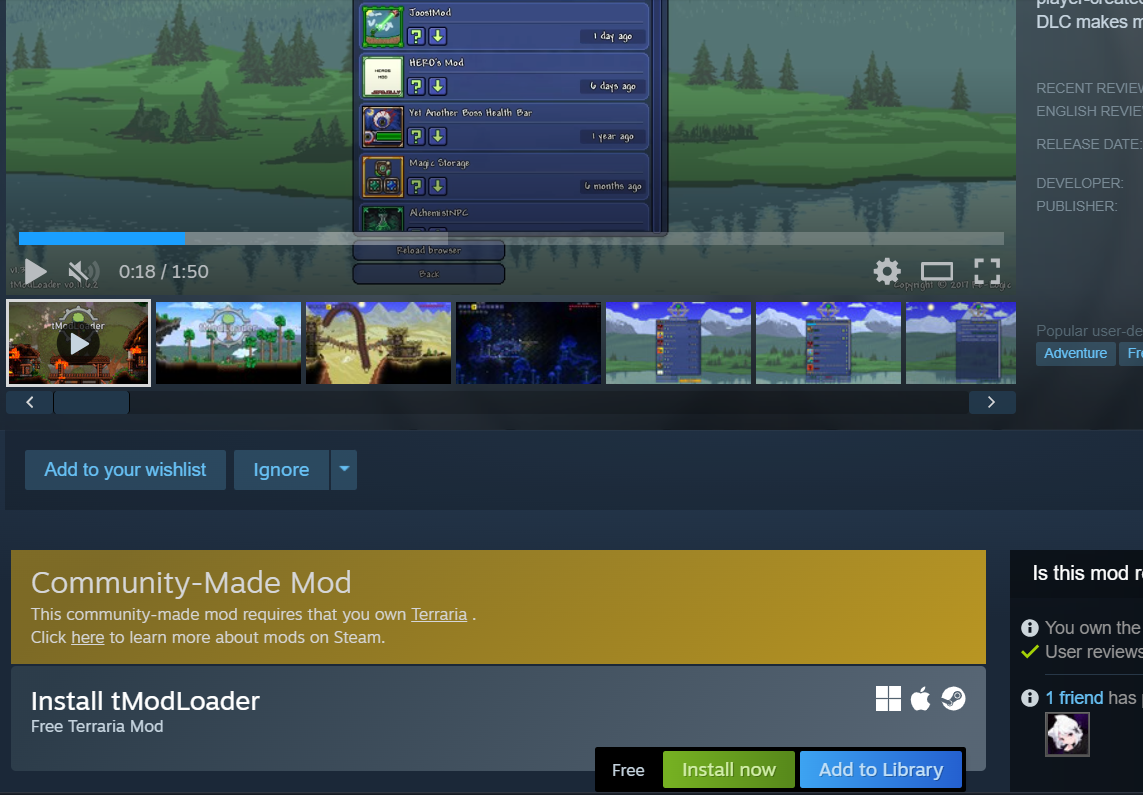
Requirements
You must own Terraria on Steam. tModLoader checks for a valid Terraria license on launch. GOG copies also work, but Steam is the simplest path.
How to Use Mods
Step 1: Browse & Download
From the tModLoader main menu, click Workshop → Download Mods. You'll see the full Steam Workshop browser inside the game. Browse by popularity, search by name, or filter by category. Click the download button on any mod you're interested in.
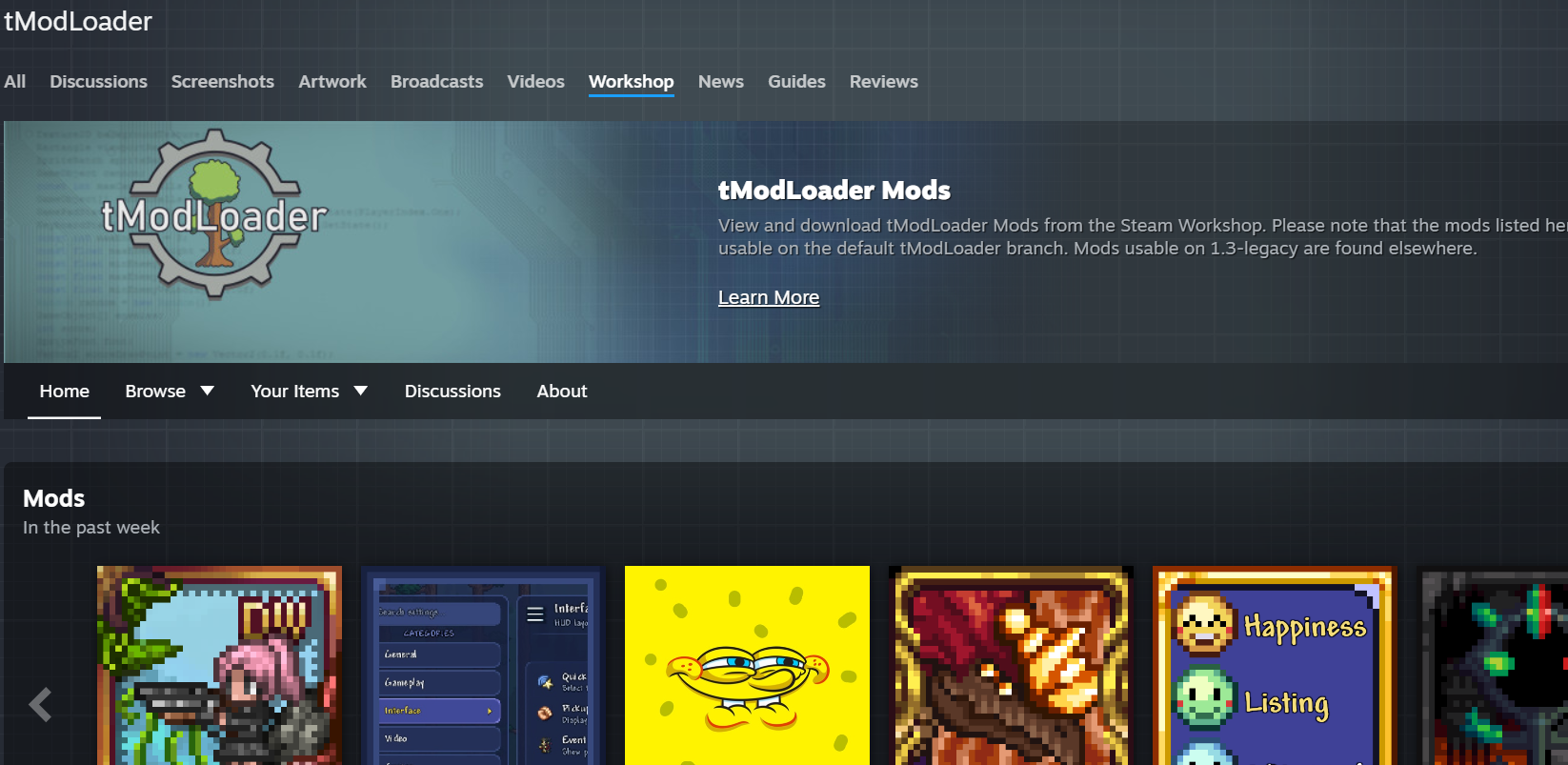
Step 2: Enable Your Mods
Go to Workshop → Manage Mods. You'll see a list of everything you've downloaded. Click the toggle next to each mod to enable it — a green indicator means it's active. Red means disabled.
Step 3: Reload & Play
Click Reload Mods at the bottom of the mods list. tModLoader restarts with your chosen mods loaded. After reloading, start a new world (or join an existing one) — the mods are active immediately.
Start Small
Install 3-5 mods for your first run. Too many at once can cause crashes or conflicts. Start with a few QoL mods (like Recipe Browser and Boss Checklist), then add a content mod like Thorium or Calamity.
Multiplayer Note
All players must have the exact same mods (same list, same versions) to play together. Vanilla players cannot join a modded server.
Recommended First Mods
| Mod | What It Does |
|---|---|
| Recipe Browser | Search any item's crafting recipe in-game — no alt-tabbing to the wiki |
| Boss Checklist | Shows which bosses you've beaten and what to fight next |
| Magic Storage | One unified storage system — search and craft from a single interface |
| VeinMiner | Mine entire ore veins in one click — saves hours of mining |
| AlchemistNPC | NPCs that sell potions and boss summons — skip the grinding |